How-to · Blog
Scheduling Fence Crews with Claude or Grok: A Whiteboard Upgrade
You don't need a new platform to schedule better. A chat assistant and a clean job list can draft the week in minutes. You still make the call.
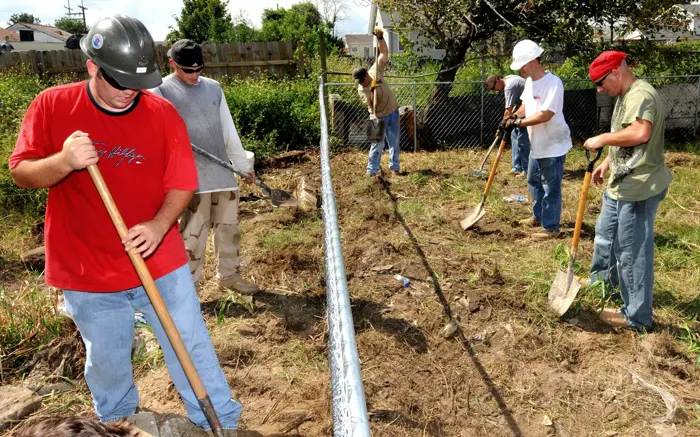

Clean up the job list
- Job number, area, footage and gates
- Soil and machine needed
- Material status
- Locate ticket number and legal start date
- Customer limits
The prompt
Prompt · Week boardClaude or Grok
Rules: 3 crews, 1 skid steer, no dig without a locate ticket past its legal start date, no crew without material on site. Group by area.
Here is the job list: [paste CSV with job numbers, no names]
Draft Mon-Fri: Day | Crew | Job # | Machine | one-line reason.
Then list CONFLICTS and QUESTIONS. Do not invent anything.
Check it like a foreman
- Did it put rock jobs on the day you have the right machine?
- Any job before its locate legal start?
- Material arrives before the crew?
- Did it respect the 'no Fridays' customer?
.jpg)
Full walkthrough: Claude for fence scheduling and Grok for shop ops.
Related on AI Fence HQ and sister sites
More from the blog
- AI Can't Build Fence. Here's What It Can Do for Your Office
- AI Fence Design Software: Drawing and Estimating Tools Compared (2026)
- Siro vs Rilla: AI Sales Coaching for Fence Companies
- What Software Do Fence Companies Use? A Category Guide
- Pen and Paper vs Fence Software: An Honest Old Way, New Way
- The Fence Estimate Follow-Up System (Borrowed from HVAC and Roofing)